v 1.10
More Grids for More Structured Notes
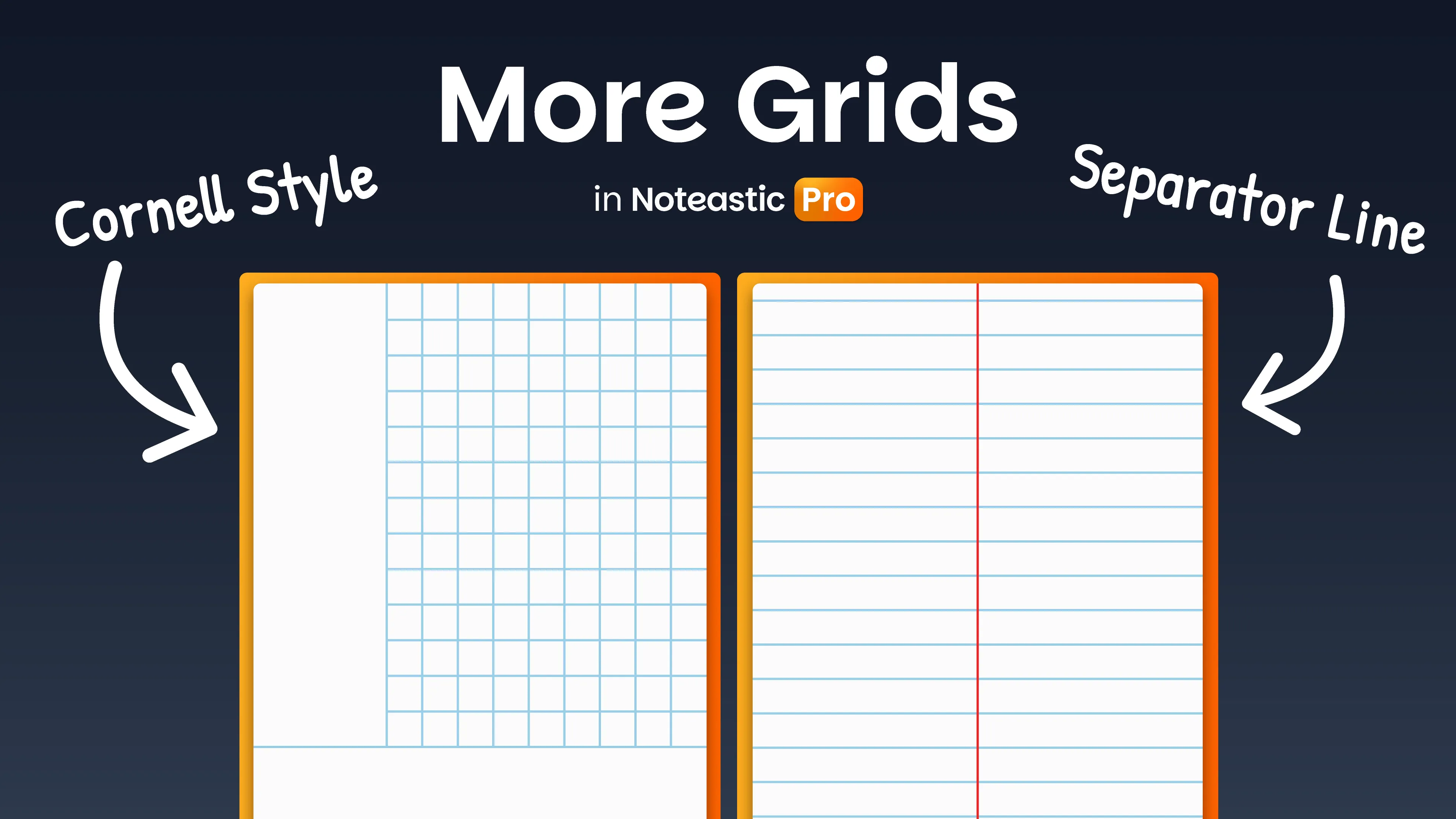
The last week of September comes with an addition that will round off all the things we added in the last four weeks. We’re providing you with more built in grids to choose from! With fully configurable colors and settings, just as you are used to.
What we added 😇
- NEW: Cornell Style Grid (Pro) – Make your notes more effective using the renowned Cornell Note-Taking System! We did it u/DaBoss4344!
- NEW: Separator Line Grid (Pro) – For everyone who needs a correction line or wants to split a page in the middle, this new grid is for you!
- NEW: Panning Lock (Pro) – If you experience trouble with your touchscreen where it scrolls and shivers on its own this is the solution! That should help you u/GRONDGRONDGRONDGR0ND!
- IMPROVED: Super small PDF pages now scale up to a more usable minimum size.
What we fixed 🔨
- FIXED: Import no longer crashes Noteastic when the copied file name exceeds Windows’ MAX_PATH limit
- FIXED: Multiple causes for a Windows File Picker not appearing now report a proper message instead of crashing Noteastic
- FIXED: Dismissing the sign-in dialog while the app is checking the connection no longer crashes Noteastic.
- FIXED: An imported PDF background is now always placed correctly when you export. In rare edge cases it came out shifted, which made it no longer line up with handwriting.
- FIXED: Markup added to a PDF in another app, such as highlights, handwriting, shapes, for example from Drawboard PDF, is now included when you export. It was previously missing from the exported file.
- FIXED: In rare cases, parts of an imported PDF background were drawn incorrectly when exporting a book.
- FIXED: When pressing Enter, Text Boxes now put the caret on the new line. This fixes a bug introduced in a recent version where the caret stayed at the end of the line you just wanted to leave.