Changelog
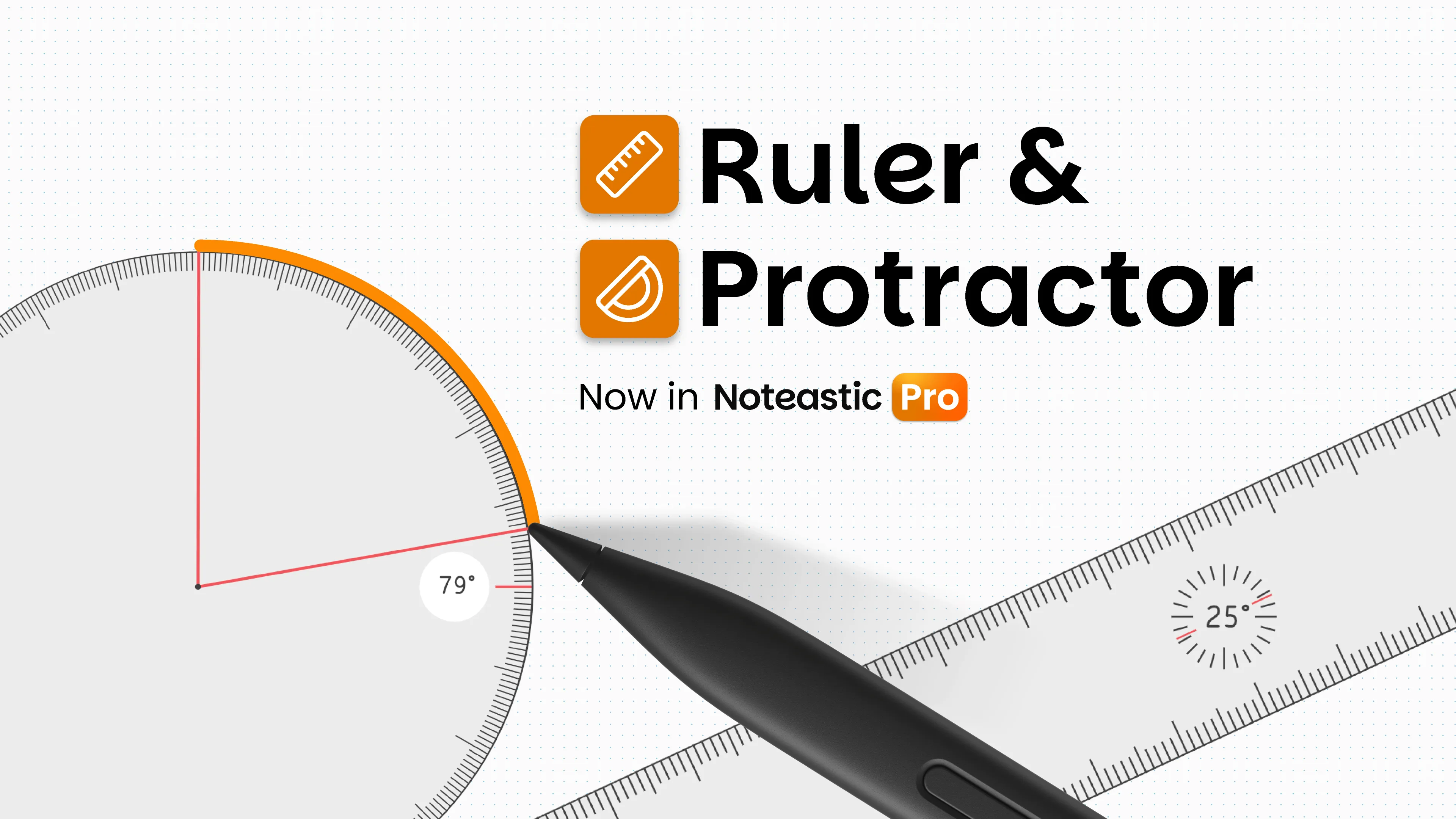
Ruler & Protractor for precision drawing!
This is an important one for all of our STEM folks out there. Now you have the tools to draw precise diagrams and to take measurements directly inside Noteastic!
What’s new? 🤓
- NEW: Ruler (Pro) – Measure distances and draw straight lines in exact angles! We got your back u/Academic-Working8057, u/Melon_565154397, u/No_Geologist1952, u/Wide_Candidate3969, u/Magniloquent_Mech1!
- NEW: Protractor (Pro) – Draw circle segments in precise radii and measure exact angles! Thanks for bringing this request to us u/kei_th, u/Wide_Candidate3969, u/Magniloquent_Mech1!
- NEW: Custom Fonts for Text Boxes (Pro) – You can now import any of your installed Fonts into Noteastic to use them in Text Boxes! Add and remove fonts in the settings.
Bugs Fixed 🐛
- FIXED: Invalid clipboards now report a message to the user instead of crashing Noteastic
- FIXED: Text Boxes containing bidirectional text no longer crash Noteastic and behave more predictably
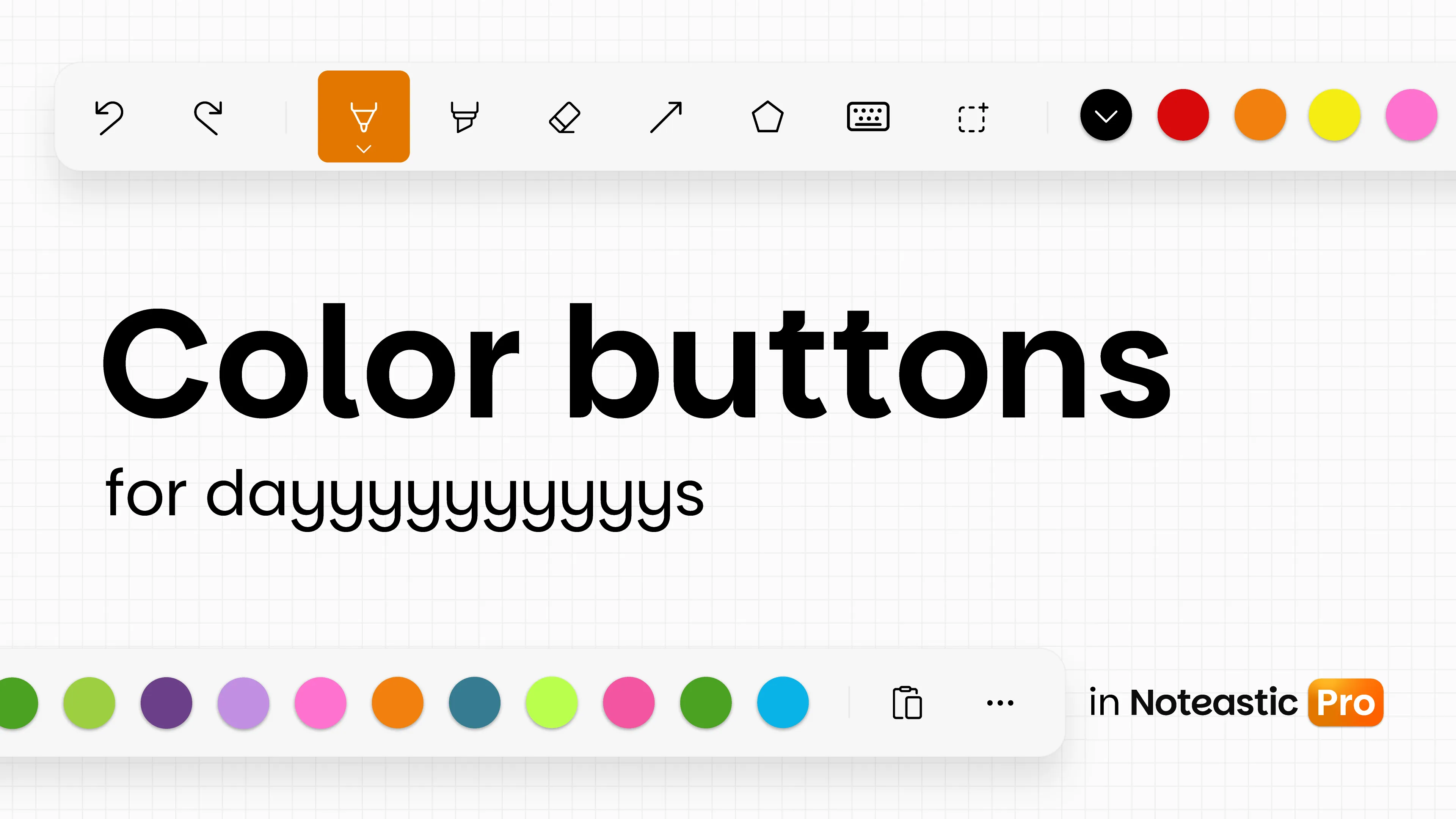
Color Buttons for Days!
Our September Update Marathon is starting off with one of the most requested Features of Noteastic. You can now add up to 10 colors to the Ink Toolbar instead of only 3!
You don’t have to waste time switching around colors anymore. Simply pin all your favorite colors to have them at hand whenever you need them!
Additions & Improvements 😎
- NEW: More Color Buttons (Pro) – Now you can pin up to ten colors in the Ink Toolbar. Thank you for your feature requests u/peindei, u/DaBoss4344, u/ForsakenSentence4047, u/GRONDGRONDGRONDGR0ND, u/Academic-Working8057, u/Superb-Club-9844, u/kooldude700, u/Late-Cauliflower9137, u/jeboteuusta, u/Melon_565154397, u/PKCubed, u/ScallionFar8418, u/HostNo7208, u/bunbun_pss, u/WesternFamous4183, u/Diablo1511 and many more! We hope this will serve you well!
- NEW: Laser Pointer on the stylus side button (Pro) – Put the laser pointer on the side button of your stylus. Change it in the settings.
- NEW: Haptic Feedback – Supported devices will now vibrate when snapping into angles! Turn it off anytime in the Settings.
- IMPROVED: Settings Rework – We revamped the settings in Noteastic to be more organized and easier to understand.
- IMPROVED: Better UX in “Select pages” dialog – Now the page you just viewed is checked instead of all or none when editing a grid.
Bug Fixes 🔨
- FIXED: Better error messages for invalid backup files
- FIXED: Text boxes with large texts now no longer crash the app. Rendering in edit mode is now virtualized and tiles across regions.
- FIXED: Certain malformed PDFs no longer crash Noteastic during import and are correctly reported as an invalid file.
- FIXED: Text toolbar now appears consistently.
Meet Noteastic Pro!
Noteastic is growing up 🚀
We are so happy to finally present Noteastic Pro to you! We worked relentlessly the last months to grow Noteastic from a mere software project to a solid base for a software company. Now we want to digest and implement the best and most important ideas people requested in the last year to make Noteastic Pro not only the best version of Noteastic, but the best version of note-taking on Windows.
And we are already starting strong. Two of the most requested feature additions to Noteastic are henceforth available through Pro: Text boxes and the laserpointer!
Note-taking & Tools 🖊️
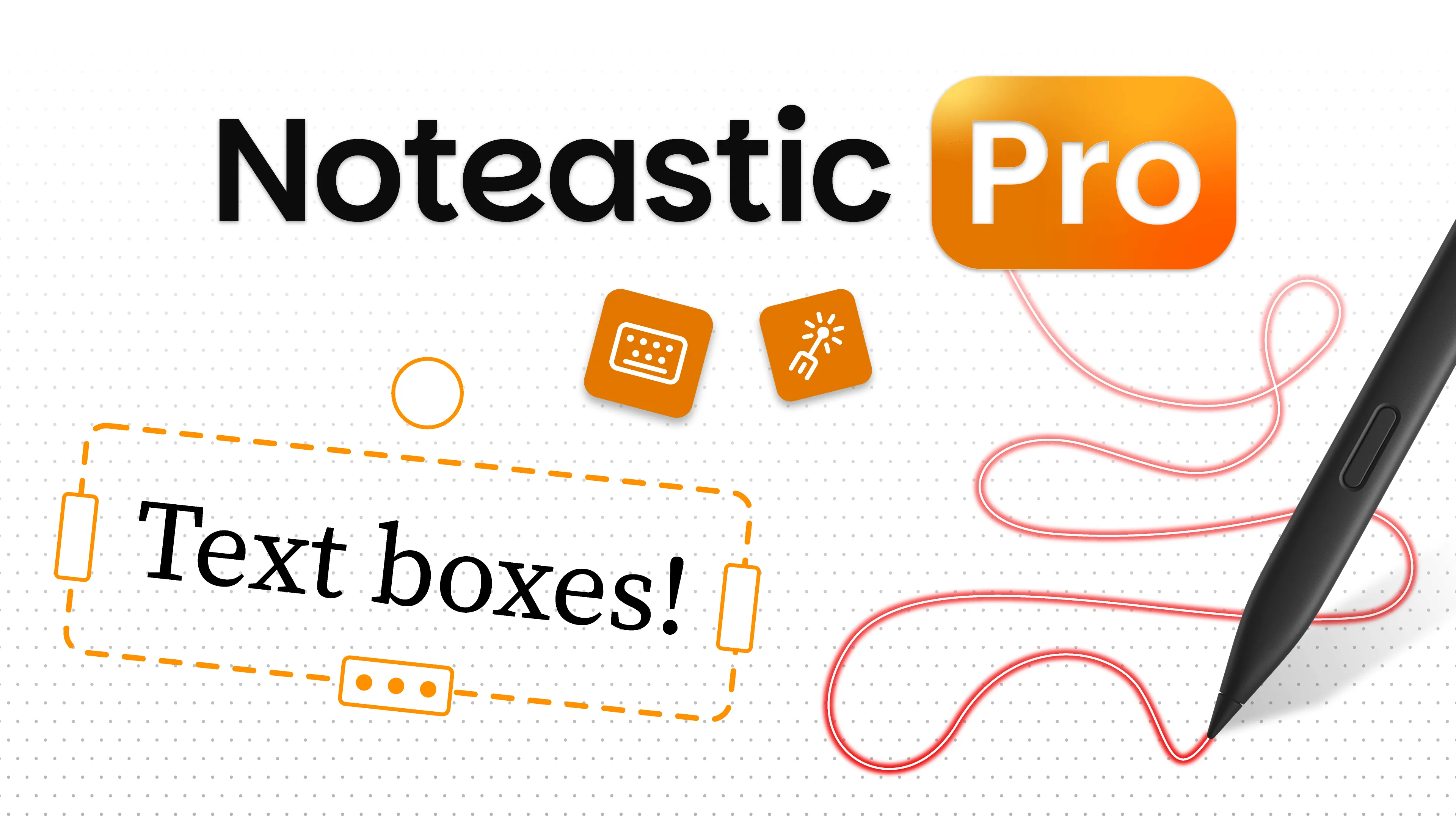
- NEW: Text Boxes (Pro) - Type text, format it and arrange it however you like on your note-taking page! This is one of the best features we ever developed ;). We see every feature request, and we are confident that the long wait paid off! Thank you u/ResidentRound215, u/DaBoss4344, u/Active-Ad3578, u/No_Addendum_1202, u/SheepestJ, u/EggLord89, u/HorxHay, u/Melon_565154397, u/Final-Culture-4463, u/Fearless_Score_8859, u/Lower_Seaweed7680, u/jeboteuusta, u/Spare-Twist-9574, u/Pleasant_Ad9664, u/Ill-Block193, u/tsuki—0 and many more!
- NEW: Laserpointer (Pro) - You can now present your notes to others without leaving a mark! Thank you for bringing this feature wish to us u/Brave-Solid8884, u/Spoderman_07 and u/jakelard!
- NEW: Fullscreen Mode - Easily switch to fullscreen mode from inside the app. Thank you for pointing this feature out u/ForsakenSentence4047, u/Technical-Bat-6909 and u/ProduktFeuer872!
- NEW: Straightening Toggle - Now you can toggle whether the pen and highlighter automatically straighten when you hold them in place.
- IMPROVED: Snapping behavior - Now you can reach every angle and will no longer be pulled to a fixed snapping point.
Languages 🌍
We added three more languages!
- Noteastic parle désormais français ! (french)
- Noteastic ora parla italiano! (italian)
- O Noteastic agora fala português europeu e brasileiro! (portuguese)
Improvements Everywhere!
With Noteastic v1.5 we simply improved the app a bit, but everywhere! Easier interactions here, clearer design there, and a new tool over there. Here is the exact list:
Additions & Improvements🍿
- NEW: Panning Tool - Now you can move around the page easily without having to touch the screen. (Thank you for requesting this feature u/Revolutionary_Ad_909, u/Disastrous-Slide-429)
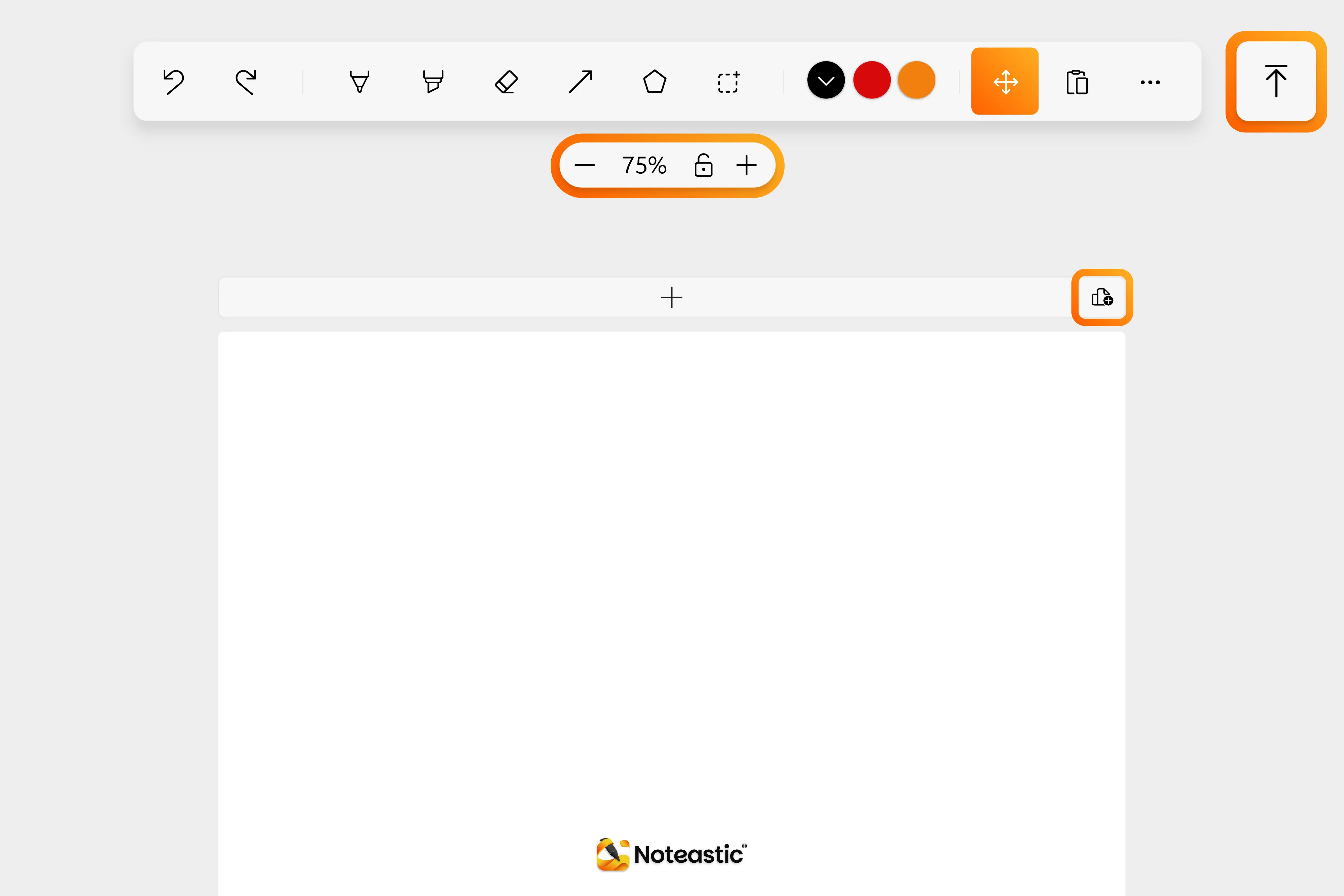
- NEW: Jump-To-Top Button - A button that brings you to the first page instantly.
- NEW: Zoom Lock and Zoom Buttons - Now you can zoom around on the page without having to touch your screen and can lock the zoom for touch inputs.
- NEW: Mouse Side Button Navigation - You can now move forward and backward with your mouse side buttons in the library for quicker navigation!
- IMPROVED: Quick-Add-Page-Buttons - Now you can quickly add pages of all formats to the end or the beginning of a book. (Thank you for pointing out this necessary improvement u/Spare-Twist-9574, u/EnvironmentalStay718)
- IMPROVED: Selection Control of Lines - Now the thumbs are placed on the trajectory of the line or arrow and get transparent when pressing them for fine-tuning. (Thank you for pointing that out u/Spare-Twist-9574, u/andreash10000)
- IMPROVED: Eraser Behavior - From now on the selected eraser size is always rendered the same, no matter the zoom level. If you want to erase details, simply zoom in!
- Restyled Noteastic - Noteastic is now styled more consistently. We tweaked colors, corner radii and sizes. Lukas loves it.
Bug Fixes 🐞
- FIXED: PDFs jumping around on second monitors! Thank you everyone for the sophisticated bug reports 🧡
- FIXED: PNG-image transparency issues
- FIXED: Image stretching when scaling
- FIXED: A lot of bugs that led to crashes
New Settings to Make Your Life Easier!
Noteastic just hit 10,000 downloads! 🧡🎉 Thank you all so much for your support. We prepared some new settings to make your life easier.
What’s new
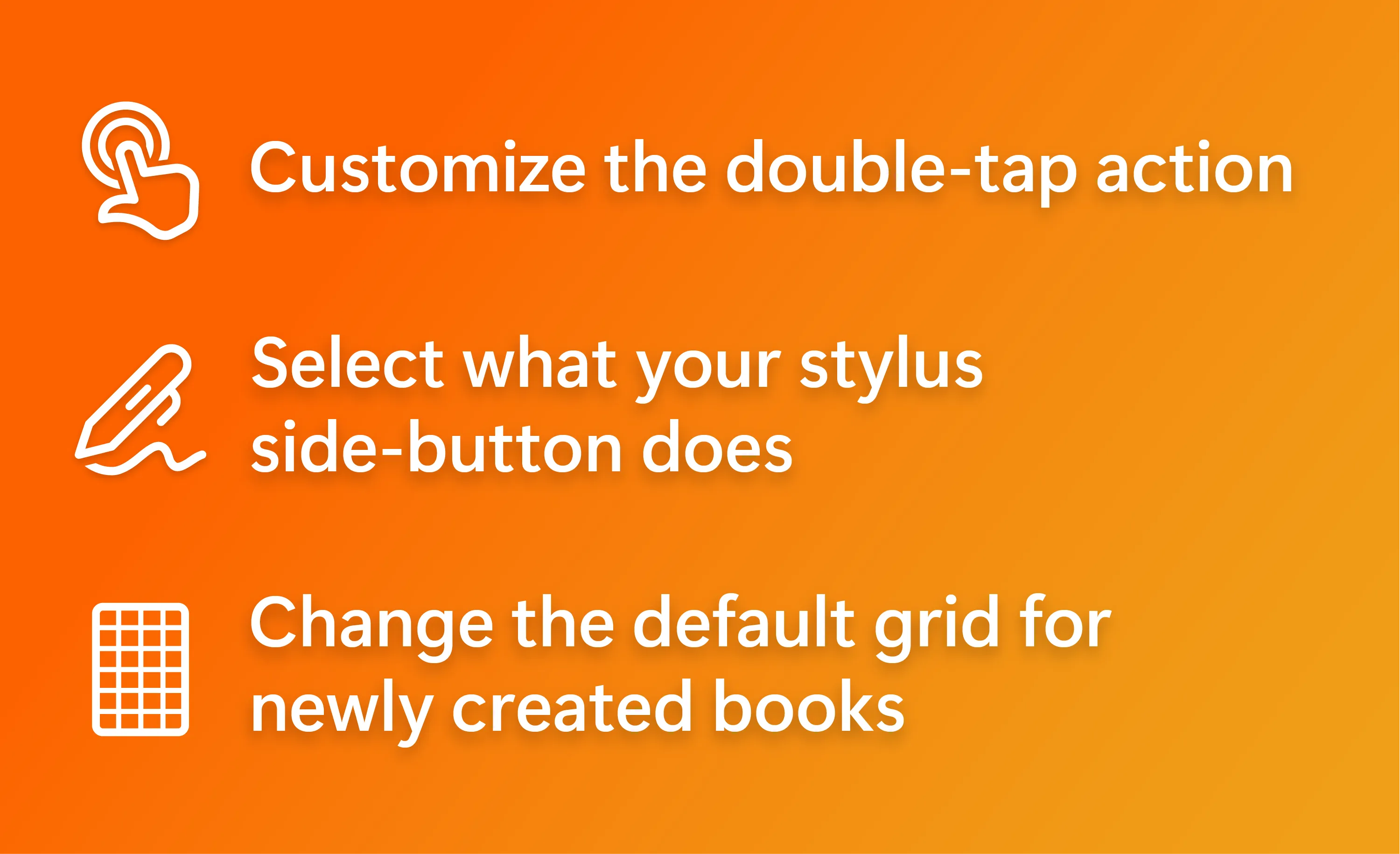
- Customize the double-tap action — Choose what happens when you double-tap the screen.
- Customize stylus side-button — Select what your stylus side-button does.
- Change default grid — Set the default grid for newly created books.
- Bug fixes
New Languages!
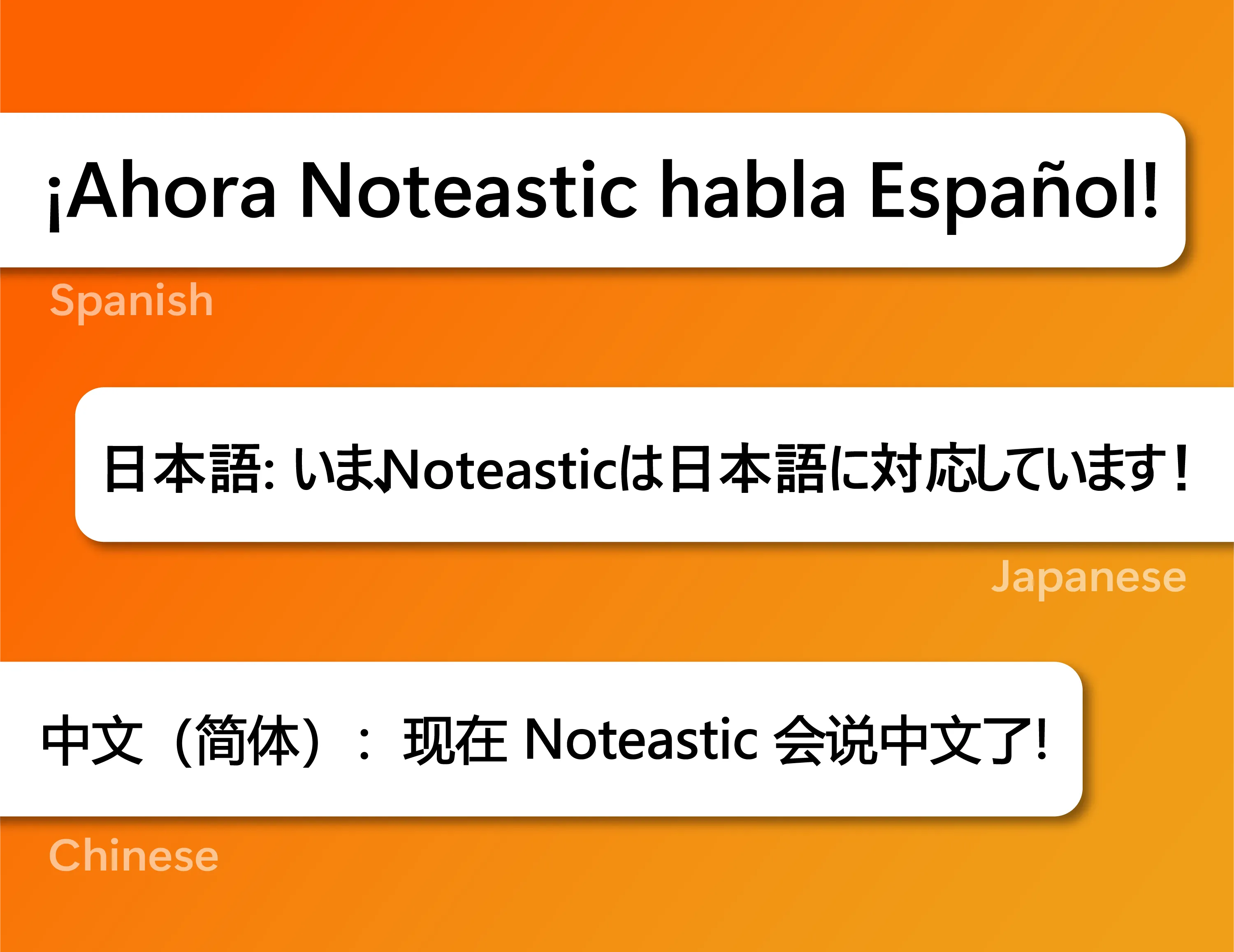
Noteastic is learning new languages! Thanks to our community translators Noteastic is now tanslated into:
- Spanish — ¡Ahora Noteastic habla Español!
- Japanese — いまNoteasticは日本語に対応しています!
- Mandarin Chinese — 现在 Noteastic 会说中文了!
A huge thank you to our community translators. 🧡
If you think your language is missing and want to translate Noteastic to it, just contact us!
Added Backup!
This release is packed with new features and quality-of-life improvements.
What’s new
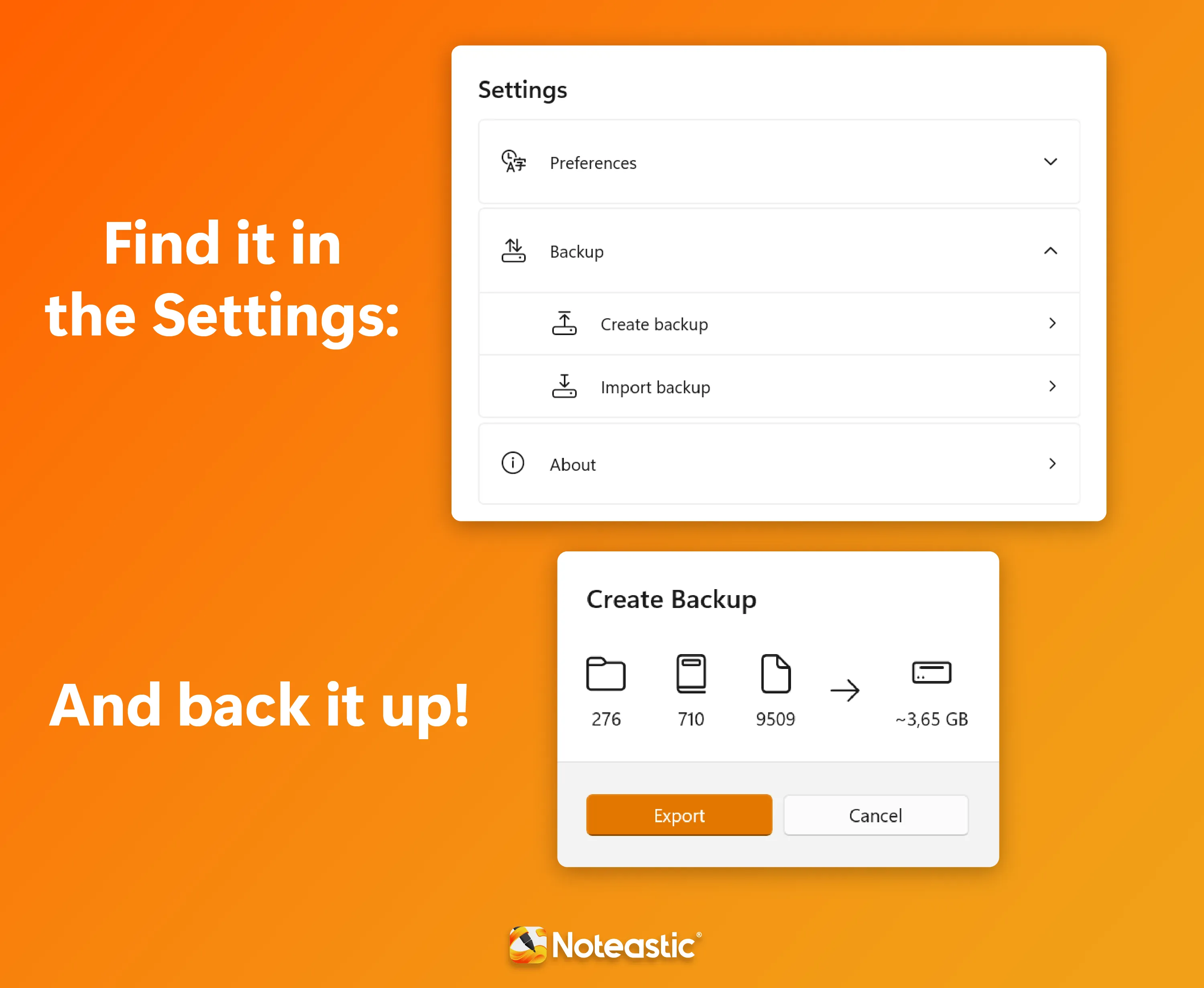
- Backup — Back up your notes and restore them anytime. Available in the Settings.
- New Shapes — Draw Triangles, Pentagons, Hexagons, and Octagons. — Easily add pages below the current page.
- Bug fixes — thanks to everyone who reported issues! 🧡
Hold-To-Straight Lines & Line Grid!
Noteastic just hit 1,000 users! 🧡🎉
What’s new

- Hold-To-Straight Line — Hold your stylus at the end of a stroke to automatically snap it to a straight line.
- Line Grid — Add a line grid background to your pages for cleaner handwriting.
- Fixed Eraser Bug — thank you to everyone who reported it!
- Other bug fixes.
Noteastic is here!
Noteastic 1.0 has been released! The handwritten note-taking app made for Windows.