v 1.7
Color Buttons for Days!
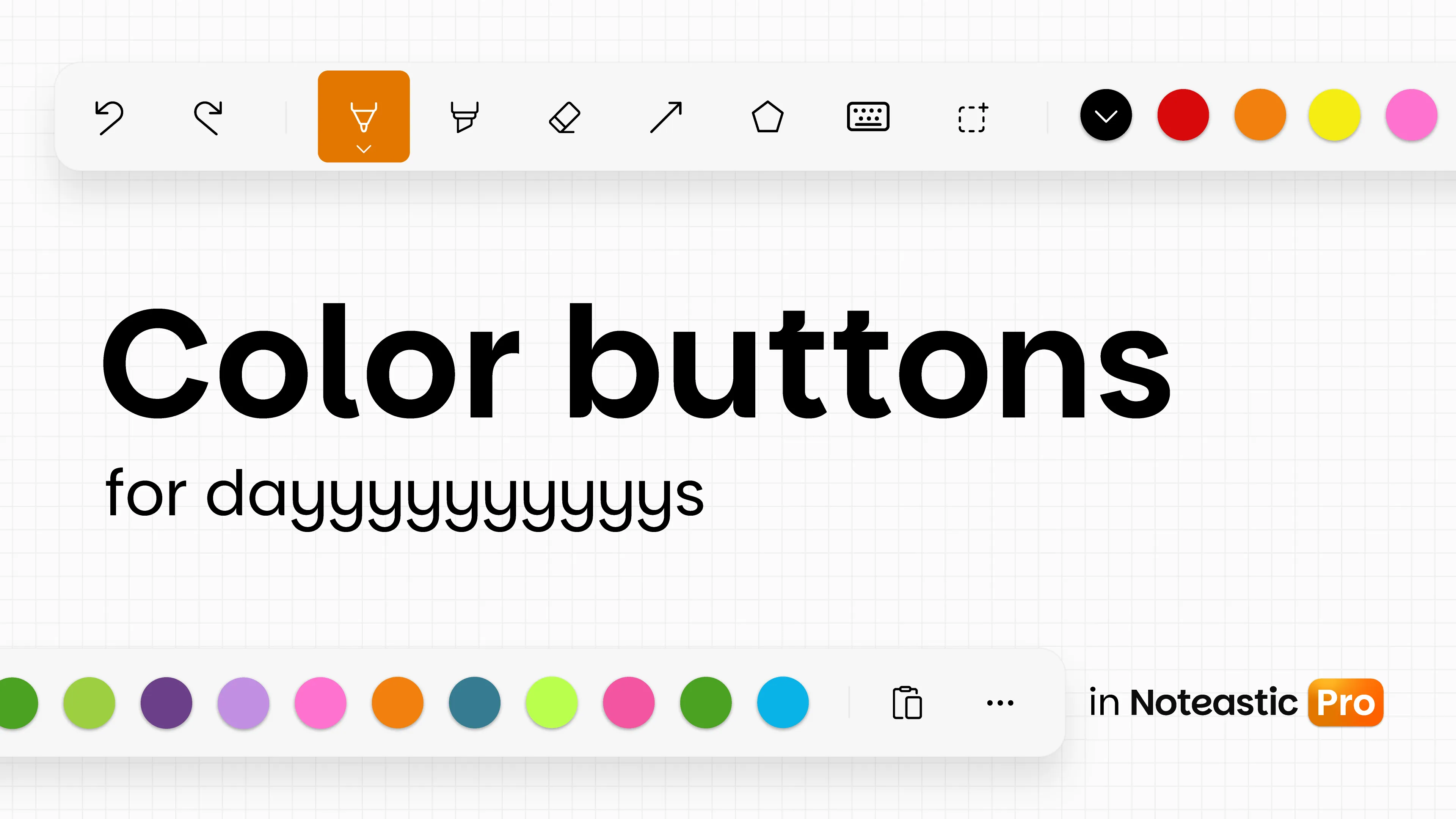
Our September Update Marathon is starting off with one of the most requested Features of Noteastic. You can now add up to 10 colors to the Ink Toolbar instead of only 3!
You don’t have to waste time switching around colors anymore. Simply pin all your favorite colors to have them at hand whenever you need them!
Additions & Improvements 😎
- NEW: More Color Buttons (Pro) – Now you can pin up to ten colors in the Ink Toolbar. Thank you for your feature requests u/peindei, u/DaBoss4344, u/ForsakenSentence4047, u/GRONDGRONDGRONDGR0ND, u/Academic-Working8057, u/Superb-Club-9844, u/kooldude700, u/Late-Cauliflower9137, u/jeboteuusta, u/Melon_565154397, u/PKCubed, u/ScallionFar8418, u/HostNo7208, u/bunbun_pss, u/WesternFamous4183, u/Diablo1511 and many more! We hope this will serve you well!
- NEW: Laser Pointer on the stylus side button (Pro) – Put the laser pointer on the side button of your stylus. Change it in the settings.
- NEW: Haptic Feedback – Supported devices will now vibrate when snapping into angles! Turn it off anytime in the Settings.
- IMPROVED: Settings Rework – We revamped the settings in Noteastic to be more organized and easier to understand.
- IMPROVED: Better UX in “Select pages” dialog – Now the page you just viewed is checked instead of all or none when editing a grid.
Bug Fixes 🔨
- FIXED: Better error messages for invalid backup files
- FIXED: Text boxes with large texts now no longer crash the app. Rendering in edit mode is now virtualized and tiles across regions.
- FIXED: Certain malformed PDFs no longer crash Noteastic during import and are correctly reported as an invalid file.
- FIXED: Text toolbar now appears consistently.