v 1.11
Improvements Everywhere Vol. 2
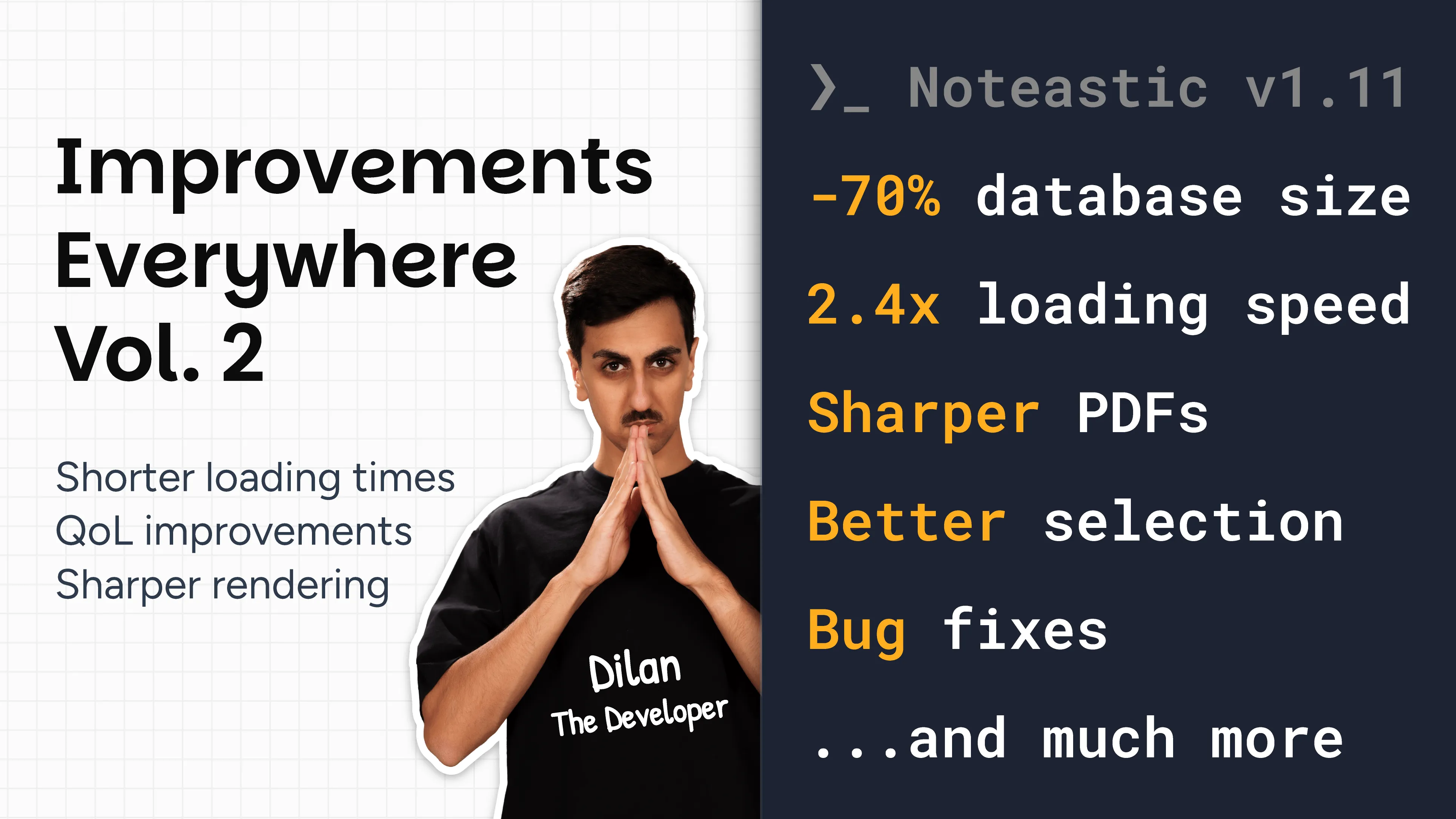
This release is Noteastic’s biggest performance update in years. We fundamentally reworked and modernized rendering, how inking data is stored, and the selection logic. These are core pillars of Noteastic. This is why Noteastic as a whole will feel even snappier, faster, and more performant than it already did. This is a release every Noteastic user will benefit from!
We encourage you to simply skip this changelog and try the app. You’ll feel the changes.
What we improved 🤯
The Game Changers
- The Database Shrinks by ~70% Without Losses – We have made massive improvements in how we store inking data on your device. The changes we made also bring us a step closer to saving notes on a cloud.
- PDF Rendering Is Orders of Magnitude Faster – PDF rendering was completely reworked. PDFs are now drawn pixel-perfect at every zoom level and memory usage is significantly reduced. Noteastic might be the fastest PDF viewer on Windows now :D.
- Pages Now Load Twice as Fast – Pages with lots of handwriting load more than twice as fast as before. Handwriting is cached between sessions, so pages you opened before load faster.
On the Note-Taking Page
- NEW: Drag Selection Between Pages – Drag a selection onto another page and it now moves there when you deselect it, instead of being cut off at the edge of the page it came from. Thank you for your feature requests u/GormAuslander, u/CurrentOk3826, u/PicoPlanetDev, u/Active-Ad3578, u/Brilliant_Effort_308, u/DaBoss4344, u/RussianFairy69, u/SheepestJ and u/Melon_565154397!
- NEW: Jump to Page Number – Tap the page indicator in the bottom right and type in the page number you want to jump to!
- NEW: Copy Page as Image (Pro) – Copy a page from its More menu directly into your clipboard to paste it into other apps.
- NEW: Copy Selection as Image (Pro) – Copy a lasso selection to your clipboard as an image via the context flyout.
- NEW: New Hotkey – Holding
Ctrlwhile dragging the end of a line extends it in both directions. - NEW: Undo/Redo Actions Get Highlighted on the Page – Undo and redo now scroll to what they changed, and briefly highlight it.
- IMPROVED: Scaling of Shapes and Lines – Scaling a selection now also scales the borders of shapes and lines, the same way it scales ink.
- IMPROVED: Easier Tap-Selection – Tapping a thick line, the border of a shape, or the space between words in a Text Box now selects it. Before, the tap had to hit the exact center.
- IMPROVED: Text Toolbar Accessibility – The text toolbar keeps keyboard focus when you change the font or size, so you can go through fonts with the arrow keys. Escape returns focus to the text.
- IMPROVED: Better Selectability of Strokes – The Eraser and Lasso take the stroke thickness into account. For example, you no longer have to hit the exact center of a highlighter stroke to erase it.
- IMPROVED: Four Corner Handles on Text Boxes – Text Boxes have four corner handles that scale them proportionally. Hold
Ctrlto scale from the center. - IMPROVED: PDF pages are rendered in a smarter order. The pages you are looking at come first, and pages you scrolled past are skipped.
- IMPROVED: Dragging a Text Box in typing mode with your finger or pen now moves the Text Box.
- IMPROVED: Rotating a line with two fingers now snaps to horizontal, vertical, and its original angle.
- IMPROVED: Moving, scaling, and rotating a selection is now tied to the finger that started it. Other fingers on the screen no longer scroll the book while you move a selection.
- IMPROVED: Increased ink prediction for even faster inking on displays above 60 Hz.
- IMPROVED: Ink, selections, and PDFs no longer drop in resolution at high zoom levels, so they stay perfectly sharp on high-DPI screens.
- IMPROVED: Grids render faster.
- IMPROVED: A failed export now says why, for example a full disk or a file that is open in another app.
In the Library
- NEW: Dragging of Selections – Multiple selected books and folders can be dragged into a folder at once.
- NEW: Copy by dragging +
Ctrl– HoldCtrlwhile dropping to copy instead of moving. Dropping on an empty spot withCtrlduplicates the items in the current folder. - IMPROVED: Book Opening Speed – Opening books and viewing their pages in the library is much faster.
- IMPROVED: Animations in the library are more consistent, because only the items that actually changed are updated instead of the whole folder being reloaded.
- IMPROVED: Entering selection mode or deleting items no longer clears your clipboard.
What we fixed 🔨
- FIXED: A selection now keeps following your finger when you touch a second handle while dragging it.
- FIXED: A moved selection now stays intact when you scroll away and back.
- FIXED: A Text Box you are typing in stays in typing mode when you scroll it out of view and back.
- FIXED: An active selection now stays on its page when you add a page above it.
- FIXED: Shrinking or enlarging a selection in several steps now respects the size limits.
- FIXED: Rotated shapes such as circles and pentagons are now selected at their actual size.
- FIXED: Pinching a Text Box after typing into it now scales it around its actual center.
- FIXED: Selections and page previews now redraw after a display change or a graphics driver reset.
- FIXED: Cropped and upside-down PDF pages are placed correctly when exporting.
- FIXED: Text in a font file Noteastic can’t open is now exported as outlines, so it looks identical in the PDF but can’t be selected.
- FIXED: Cancelling a backup or PDF export now leaves the file you picked untouched.
- FIXED: Broken PDFs and unreadable clipboard contents show a message instead of crashing Noteastic.
- FIXED: A Text Box now keeps focus when you move it by its border while typing, so you can keep typing.
- FIXED: An empty Text Box shows the formatting you picked for it in the placeholder text.
- FIXED: Copy and cut markers show on every selected item in the library, including items scrolled out of view.
- FIXED: The Back button in the library no longer gets stuck after you delete a folder you visited earlier.